Skip to content
F FormSaathi

Exam photo, perfectly sized.

Pick your exam, add your photo, and download a JPG with the exact pixels and KB the form asks for.फ़ॉर्म के लिए फोटो — सही साइज़ में, मुफ़्त।

1

Select your exam

Choose a popular exam, or pick Custom.

2

What are you uploading?

3

Adjust size (optional)

Or use popular preset sizes

Presets use the usual sizes for each exam. Rules can change every year, so check the official notification.

4

Upload and preview

The file will match the exact size and KB limit.

Add your photo

Choose from your gallery, take a new one, or drop an image here. JPG, PNG and HEIC all work.

Photo guidelines
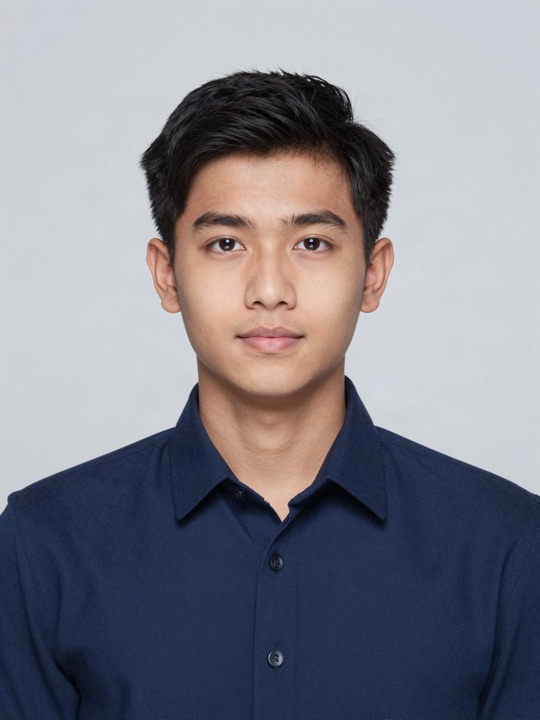
    How to resize your exam photo

    1. 01

      Choose your exam

      Pixel size and KB limits are filled in for you.

    2. 02

      Add and adjust

      Take a photo or upload one, then drag and zoom to fit.

    3. 03

      Download

      Get a JPG inside the limits, ready for the portal.

    FAQ

    Frequently asked questions

    Quick answers about using FormSaathi for your form.

    Is my file uploaded anywhere?+

    No. Everything happens inside your browser, on your own phone or computer. Your image is never sent to a server.

    The portal says my file is too small or too big+

    FormSaathi keeps a small safety margin inside every limit, so the file works whether the portal counts 1 KB as 1000 or 1024 bytes. If it still gets rejected, type the exact numbers from your notification into Adjust size.

    Does it work without internet?+

    Yes. After your first visit, FormSaathi works offline. Tap Install app to add it to your home screen.

    What is the right photo size for SSC?+

    SSC usually asks for a 3.5 × 4.5 cm photo, which is 350 × 450 pixels at 20–50 KB. Select SSC and FormSaathi sets this for you. See SSC sizes.

    Still have a question? Ask us

    Something not working, or an idea?
    Tell us and it goes into the next update.

    More tools for your form

    Everything a form needs, in one place. All free, all offline.

    Signature Resizer White background, dark ink, right size. Thumb Impression Left thumb impression for bank and NTA forms. Resize Image to KB Any image to 20 KB, 50 KB, 100 KB and more. JPG to PDF Marksheets and certificates into one PDF. Split & Remove PDF Pages Remove pages or split a PDF. Same quality. Compress PDF Shrink a PDF to 100 KB, 200 KB or 500 KB. Photo + Signature Joiner Photo and signature together in one image. Age Calculator Your exact age on the exam cut-off date.

    Empower Secure Privacy

    We're building a free, professional alternative to expensive SaaS utilities. Your support keeps this project alive and independent.

    • New exam presets every season
    • Faster bug fixes
    • More free tools

    Every coffee and every bug report goes straight into the next update.